Change clothes in a photo on iPhone
Say what you’re wearing now and what it should become. AI Photo Editing changes the clothes and keeps the rest of the photo.

Before

After
“Change my denim jacket to a red leather jacket”
Standard mode. A second edit, made from the Paris result.
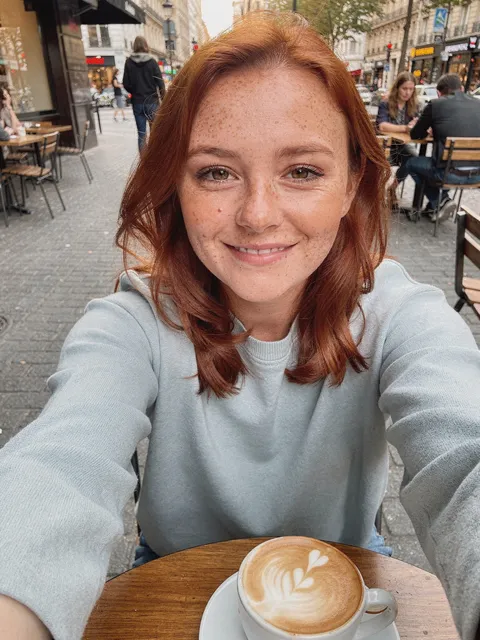
Before

After
“Put me on a sailboat off the Amalfi Coast in a white linen dress”
Genius mode. A new place and a new outfit in one edit.
How to do it
- Choose a photo where the clothes are easy to see.
- Name the item and what it should become: “Change my denim jacket to a red leather jacket.”
- Swipe to compare with the original, and keep editing from the result if you like.
Tips
- Edits build on each other: the red jacket was a second edit, made from the Paris result.
- Color, material and cut all help: “a red leather jacket”, “a white linen dress”.
Try it in AI Photo Editing
Your first edits are free. Available for iPhone and iPad.
Download on the App Store